5 October 2026 · 22 min read
10 AI Reel Maker Tools for Faster Video Repurposing
Compare 10 AI reel maker tools for clipping, captions, reframing, aspect ratios, workflows, limitations, and practical use cases.
The best AI reel maker isn't automatically the one that produces the most clips. That advice misses the production bottleneck. Some tools prioritize automatic highlight discovery, while others are built around transcript editing, social distribution, gaming footage, or rapid cleanup of talking-head video. A fast first draft is useful only if the selected moment makes sense, the cut doesn't damage the speaker's sentence, and the final crop works on the platform where you intend to publish.
The category has room to grow because it sits inside a much larger short-form editing market. The market reached USD 2.14 billion in 2024 and is projected to reach USD 6.42 billion by 2033, with a 13.7% CAGR, according to Dataintelo's short-form video editing market analysis. Short-form video is also becoming a default publishing format. One industry roundup projects that videos under 60 seconds could represent about 80% of online video content by 2025, while reporting that 85% of social media users watch short-form videos daily in its cited industry research, as summarized by ElectroIQ's video editing statistics.
This comparison evaluates each AI reel maker by the decisions that affect real publishing workflows: how it finds moments, how accurately it cuts and captions them, how it reframes speakers, which aspect ratios it supports, how much manual control remains, and whether its pricing model makes sense at volume. Keptbits is the reference point for self-contained clips, word-accurate boundaries, speaker-aware crops, and multi-aspect exports, but it isn't the universal winner for every source video.
Table of Contents
- 1. Keptbits
- 2. OpusClip
- 3. Munch
- 4. Vizard
- 5. VEED
- 6. Kapwing
- 7. Descript
- 8. Pictory
- 9. Wisecut
- 10. Eklipse
- Top 10 AI Reel Makers, Side-by-Side Comparison
- Choose the Workflow That Matches Your Source Video
1. Keptbits
Keptbits targets creators who turn podcasts, interviews, streams, webinars, or demos into clips that can stand alone. The browser accepts up to four hours of footage without first placing the file on an intermediate server. Users can select Talking or Stream, then let the system analyze the recording.
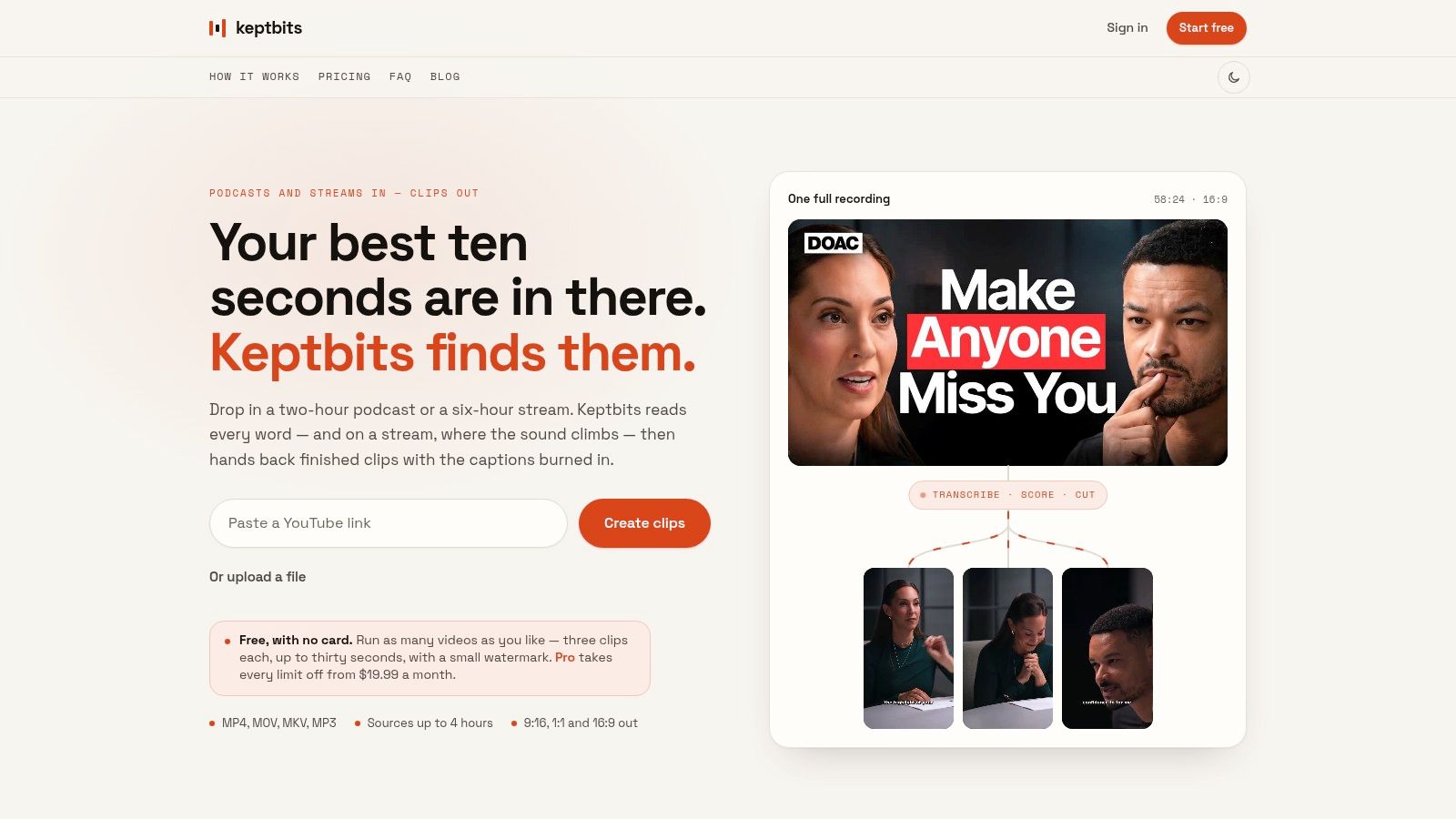
Its workflow is defined by how it makes editorial decisions. Transcription aligned to individual words, speaker separation, and narrative scoring help identify moments with a complete thought. Cuts follow word and sentence timing rather than rough time ranges. The system also follows the active speaker when reframing and burns captions into the output. Those details matter in interviews, where an attractive excerpt can fail if it starts halfway through an answer or removes the sentence that gives the answer context.
Where the workflow is strongest
Keptbits creates 9:16, 1:1, and 16:9 MP4s from the same selected moment. That supports a vertical feed version, a square social placement, and a widescreen cut without rebuilding the edit. Speaker-aware framing also avoids relying on a fixed center crop. In a two-person conversation, the crop can keep the current speaker visible instead of leaving the frame centered between both participants.
A useful test is a 90-minute interview with two hosts. Check whether a 30-second free clip keeps the question, answer, and relevant follow-up together. This reveals more than a technically accurate transcript: it tests moment selection, cut boundaries, speaker tracking, and whether the result makes sense without the full recording.
The free plan provides unlimited runs, up to three clips per run, clips of up to 30 seconds, a small watermark, and the Bold Pop caption style. Pro allows clips of up to three minutes and adds the built-in editor, silence removal, transitions, render-time color grading, and all 20 caption styles. It costs $19.99 per month or $5.99 per week, with the first week free.
Practical rule: Evaluate Keptbits by whether each clip opens and resolves naturally, not only by processing speed.
Narrative scoring reduces manual searching, but editorial priorities still require review. A host may value a detailed explanation that the system ranks below a sharper sound bite. Free exports are also short and watermarked, which limits their use for regular publishing. The product page does not present third-party awards or customer testimonials, so representative recordings and a defined editorial checklist remain the most useful basis for evaluation.
2. OpusClip
OpusClip is built for rapid conversion of long videos into a batch of short, vertical clips. It analyzes source footage, surfaces moments it considers strong candidates, adds captions, and applies automated reframing for Shorts, Reels, and similar outputs.
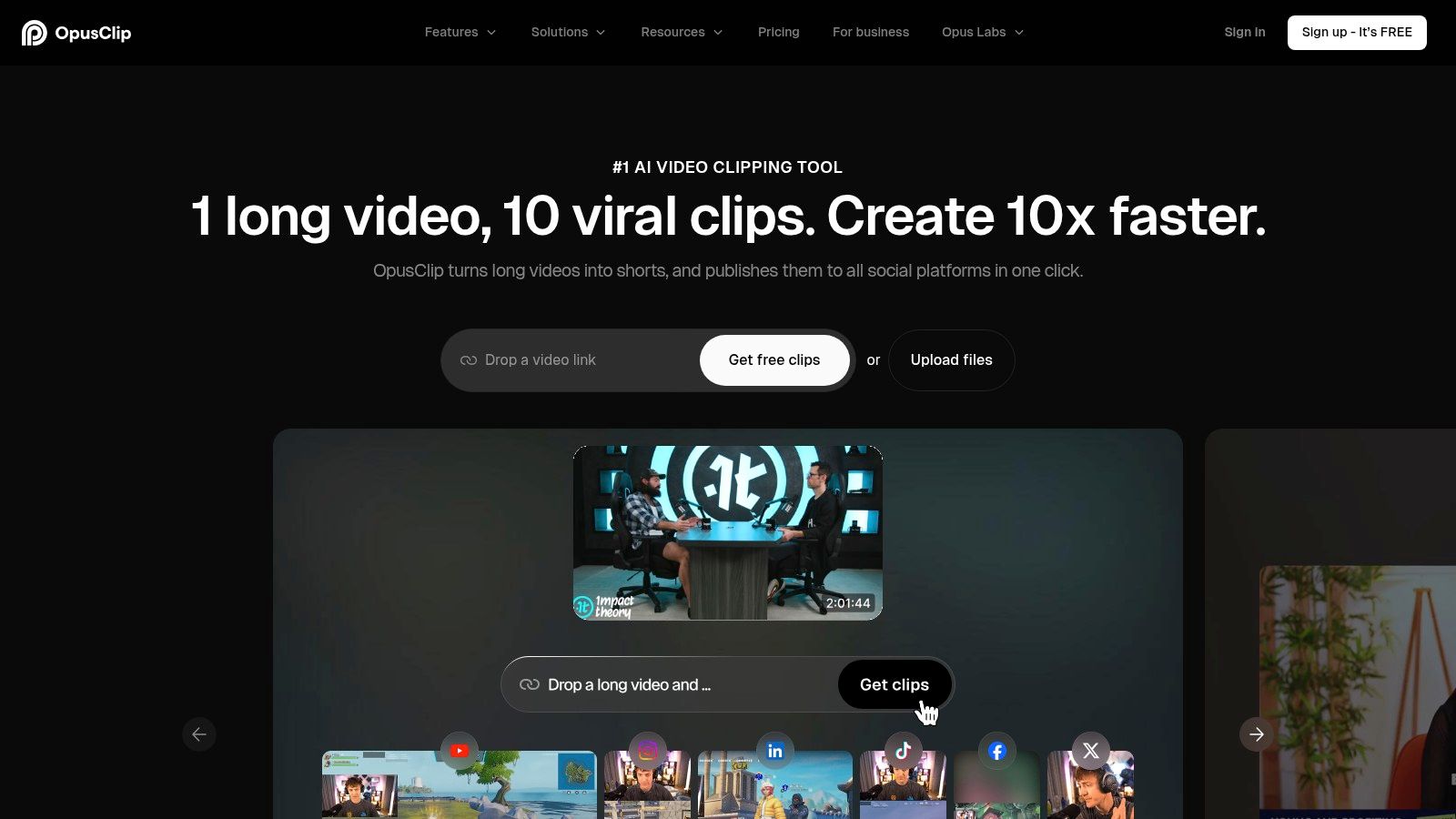
The selection model is oriented toward highlight discovery and volume. That makes OpusClip a practical choice for a creator who would rather review a ranked batch than manually search an entire podcast or YouTube recording. Its automated hooks, caption templates, motion tracking, and optional AI B-roll help turn a selected segment into something closer to a publishable social draft.
What to examine before scaling
The built-in editor supports quick changes through text and timeline views, which is useful when a selected clip is almost right but needs a small trim or caption adjustment. Multi-aspect exports and automatic reframing reduce repetitive preparation, while the publishing workflow is accessible to users who don't want to move immediately into a specialist editor.
The trade-off is cost predictability. OpusClip uses credits, and overage costs can become difficult to estimate when a team processes a large archive or repeatedly re-renders clips. Credits may also expire according to the applicable plan rules, so a low headline price doesn't necessarily describe the cost of a heavy, consistent workflow.
For a more detailed comparison of vertical editing requirements, see this guide to vertical video editing. The key question is whether OpusClip's automated ranking matches your editorial taste. It can identify energetic or apparently engaging moments, but teams working with nuanced interviews should still check whether each clip preserves the speaker's full meaning and whether the crop keeps the right person visible throughout.
3. Munch
Munch combines clip extraction with the distribution work that follows. It turns long-form video into short clips, generates platform-oriented copy such as captions, descriptions, and threads, and provides scheduling and workflow features for publishing.
That combination changes the selection criteria. Munch is less about building the most controlled edit inside a timeline and more about moving from source recording to a packaged social post. Its relevance scoring and platform-specific optimization can help a social media manager organize a stream of possible clips without treating the video file and the accompanying copy as separate projects.
The useful compromise
Munch supports automatic captions, music selection, and flexible purchasing through subscriptions and pay-as-you-go “Munches.” That model may suit a team with irregular campaigns, a launch that creates a burst of content, or a business that doesn't publish on a fixed weekly schedule. Buyers who dislike paying for unused capacity should still check how the selected purchasing option behaves across their expected workload.
The limitation is editing granularity. If a clip needs careful word-level trimming, detailed reframing, or several rounds of visual correction, a distribution-led platform may feel less precise than a transcript-first editor or a dedicated non-linear editor. Munch makes more sense when the surrounding social workflow is the bottleneck.
Its broad approach also creates a quality-control obligation. Generated copy can package a clip, but it doesn't remove the need to check whether the wording accurately reflects the recording or whether the post makes claims that the video doesn't support. Teams planning this workflow should compare not just the clips, but also the amount of human correction required for the accompanying text. The same principle applies to video editing for social media, where output consistency matters as much as initial generation speed.
4. Vizard
Vizard focuses on long-to-short repurposing and is notable for offering both a browser application and an API. That makes it relevant to two different buyers. A creator can use the interface to generate clips manually, while a developer or content team can connect clipping to a larger upload, review, or publishing workflow.
Its “Get AI Clips” feature surfaces moments automatically, and the platform provides aspect-ratio presets, branded templates, and auto-reframing. A mobile app extends the workflow beyond the desktop, which is useful for reviewing or preparing clips while away from a full editing setup.
When the API changes the decision
The API is the clearest differentiator for teams that already have repeatable content operations. Instead of treating every recording as a separate manual session, a company can explore a more integrated process in which source videos move through clipping and review as part of an existing system. That doesn't guarantee better selections, but it can reduce operational friction when the team has the technical capacity to build around the tool.
Vizard's limitations are tied to plan structure. Some tiers impose minute or credit limits, and those caps become important when a team wants to process a large back catalog rather than only new recordings. A buyer should test a representative source, estimate the amount of footage processed, and review the current plan details before assuming that an attractive workflow will remain economical at scale.
Vizard is therefore a strong candidate for automation-oriented teams, especially when integration matters. It is less compelling if the main requirement is unusually precise narrative cutting and the team expects the tool to make every editorial decision without review.
5. VEED
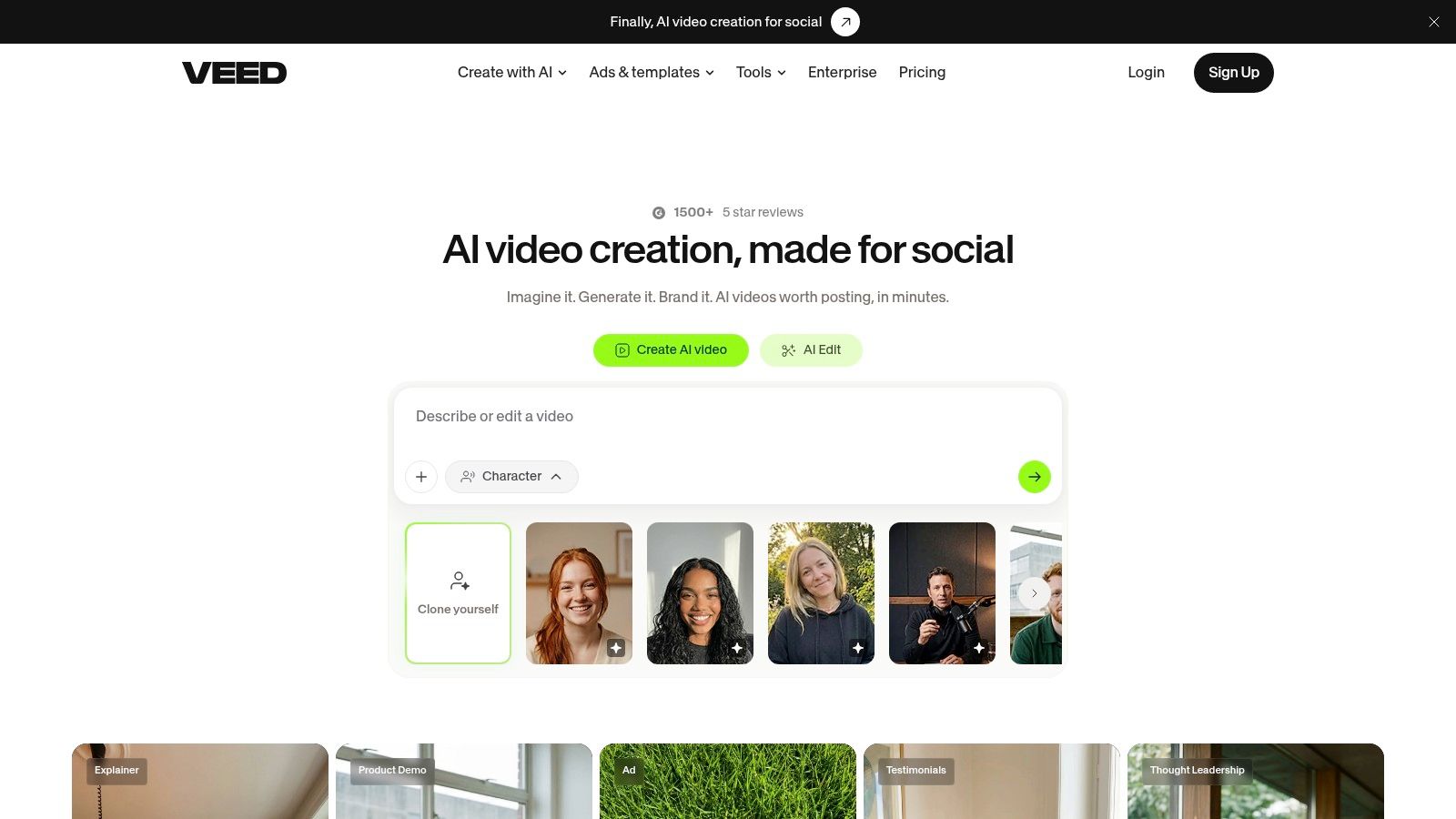
VEED approaches the AI reel maker category as part of a broader browser-based video editor. Its AI Reel Generator sits alongside auto-subtitles, translation and dubbing, avatars, text-to-video tools, templates, collaboration features, and brand kit support.
That breadth helps teams that produce more than repurposed interview clips. A marketer might use the same browser workspace for a Reel, a subtitled product video, a translated version, or a branded social asset. The absence of a required desktop application also lowers the friction for distributed teams that need to review and revise content in a shared environment.
Broad capability versus narrow precision
VEED is best understood as a general-purpose production environment with reel automation, not solely as a narrative clip finder. Its subtitle and template tools are valuable when the team already knows which moments it wants or when the source material needs broader packaging after the initial generation.
The trade-off is plan complexity. Advanced generation and export limits vary by plan, so users need to confirm the exact caps that apply to their intended workflow. A team that needs frequent re-renders, multiple output formats, or extensive AI features should evaluate the full path from upload to final download rather than judging the tool by the presence of a free or entry-level editor.
VEED makes sense for teams that value collaboration, branded templates, and a broad toolset. It may be less suitable for a specialist who cares most about whether the AI identifies a complete answer, cuts at a clean speech boundary, and keeps a particular speaker stable in a vertical crop.
6. Kapwing
Kapwing combines a mature online editor with AI Clip Maker and Repurpose Studio workflows. It can convert long videos into Shorts and similar vertical outputs, while transcript-based editing gives users a way to locate and trim exact spoken passages instead of relying only on an automatically generated selection.
That transcript layer is important for interviews, educational videos, and branded recordings where meaning matters more than visual momentum. If the AI chooses a promising section but includes an unnecessary sentence, the editor can work from the text to make a targeted correction. Templates and brand assets help maintain a consistent visual treatment across a batch.
A practical fit for controlled batches
Kapwing's batch capabilities make it relevant to teams that produce repeatable vertical content rather than one-off clips. The important distinction is that automation gets the team to a draft, while transcript tools preserve a route to precise human correction. That balance can be more valuable than a tool that generates more suggestions but makes corrections cumbersome.
Users should inspect plan-specific export quality and upload-size limits before committing. Those restrictions can matter more than the editing interface when source files are large or when the team needs high-quality exports for several channels. The pricing matrix also deserves review if a project involves many revisions.
Kapwing is a sensible middle ground for users who want AI-assisted selection but don't want to surrender text-level control. It won't automatically solve every reframing or narrative problem, so reviewers should still inspect the active speaker, the beginning and ending of each thought, and the caption layout in the final aspect ratio.
7. Descript
Descript treats the transcript as the primary editing surface. It can create clips and highlight reels from long recordings, remove filler words, improve audio with Studio Sound, and support word-level edits for precise trims. For recorded conversations, this workflow is often easier to reason about than a conventional timeline because the editor can see the spoken structure directly.
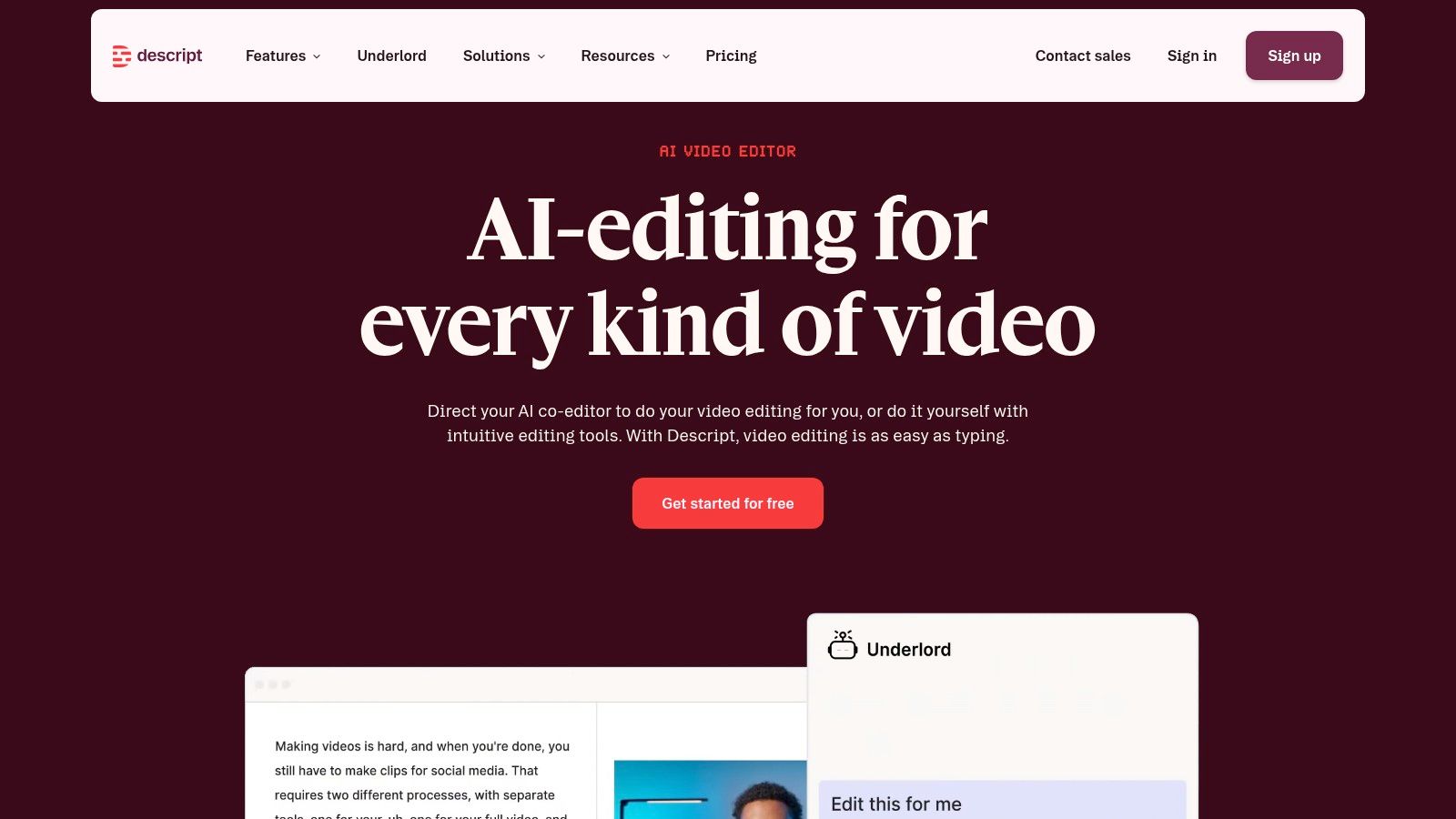
The platform also consolidates recording, transcription, editing, and publishing. That makes it particularly useful when the source and the edit live in the same production environment. A podcast team can correct words, remove a verbal distraction, clean the audio, and prepare a captioned vertical layout without moving between several applications.
Precision has a cost
Descript's strength is control over spoken content, not necessarily the most automated route from a long file to a finished batch. It suits teams that want to verify every sentence and make deliberate changes. Templates and layouts support vertical clips, but the user still needs to check framing, captions, and visual rhythm rather than assuming that transcript accuracy guarantees a good Reel.
Some AI features consume credits, so heavy use requires monitoring plan limits. Credit or minute-based models can make high-volume pricing less predictable, particularly when editors create several versions of the same clip. This is a different concern from edit quality. Descript may be the better editorial environment while still requiring more careful cost planning than a flat, outcome-based model.
For creators comparing caption workflows, this guide to an AI subtitle maker highlights why synchronized text is only useful when the cut itself preserves the speaker's meaning. Descript is a strong choice when that distinction matters.
8. Pictory
Pictory is aimed at marketers, training teams, and other non-editors who need to turn webinars, interviews, demos, and long-form recordings into social-ready clips. Its workflow combines highlight detection with a stock media library, AI voices, brand kits, templates, and multi-format exports.
The product's advantage is completion. A user who doesn't want to spend time searching a timeline can start with automatic highlights, then use built-in assets to fill visual gaps or finish a clip. Brand kits and templates are useful when multiple videos need to follow the same visual rules, especially for marketing teams that care about consistent typography, colors, and captions across outputs.
Best for packaging rather than forensic editing
Pictory is a reasonable fit when the team values ease of use and supporting assets more than granular timeline control. It reduces manual scrubbing and gives non-specialists a path from a long recording to a branded short video. That makes it relevant to webinar programs and content libraries where the primary challenge is turning existing material into usable marketing assets.
The limitation is precision. A dedicated editor will generally offer more detailed control over individual frames, word boundaries, and complex compositions. Pictory users should review whether the AI-selected moments retain enough context and whether stock footage strengthens the point instead of making the clip feel generic.
This distinction matters because recent coverage identifies originality, labeling, and monetization risk as growing concerns for AI video workflows, not just production quality, in Clippie's discussion of AI video creation trends. Pictory can help complete a post, but human review remains necessary when brand trust and platform expectations are important.
9. Wisecut
Wisecut focuses on cleanup. It removes silences, applies smart jump cuts, generates captions, and levels background music for long videos that need a faster pace without an elaborate editing process.
That focus makes it different from tools whose main promise is finding the most compelling moments in an archive. Wisecut is more useful when the editor already has a talking-head lesson, presentation, or single-camera recording and wants to make it tighter. The workflow is straightforward enough for non-technical users who don't want to learn a full non-linear editor.
A good answer to dead air
Silence removal can improve the rhythm of educational and explanatory footage, particularly when pauses are caused by thinking, setup, or production rather than intentional emphasis. Smart jump cuts, captions, and music leveling then provide a basic layer of polish without requiring separate passes through several tools.
The limitation is scope. Wisecut is less focused on multi-speaker reframing, advanced compositing, and narrative discovery. It may clean a recording effectively, but it isn't the strongest option for deciding which answer from a long interview should become a self-contained Reel or for keeping several speakers correctly framed in a vertical composition.
Its visible credit usage also deserves attention. Teams that process regularly should monitor how source length, revisions, and exports consume the available allowance. Wisecut makes the most sense when speed-focused cleanup is the bottleneck and the source already has a clear structure.
10. Eklipse
Eklipse is built primarily for gamers and streamers who need to turn VODs into social clips. Its AI highlight detection is tuned toward supported games and talking content, while Eklipse Studio, a mobile app, templates, and direct social exports create a short path from stream recording to published clip.
The source material defines whether Eklipse is a good choice. Gaming VODs contain visual events, reactions, and moments of action that differ from a carefully structured podcast answer. A gaming-oriented detector can therefore be more useful than a general narrative clipper when the creator wants rapid discovery from long streams.
Check export restrictions early
The browser editor and mobile app make quick review and posting practical. Templates can add a recognizable treatment, and direct export reduces the number of steps between highlight detection and social delivery. Eklipse can also serve talk or podcast creators who primarily want fast highlight discovery rather than deep editorial control.
Pricing is less transparent than some alternatives because current rates may appear only at checkout. Premium access is required to export without restrictions, so buyers should verify the current offer before building a regular publishing process around the free experience. The same review should confirm which formats, templates, and export options are included.
Eklipse is a strong specialist option for stream VODs. It is less suitable when the decisive requirement is word-accurate cutting, sentence-level narrative completeness, or stable speaker-aware reframing across several aspect ratios.
Top 10 AI Reel Makers, Side-by-Side Comparison
| Product | Core Features ✨ | Quality ★ | Price / Value 💰 | Target Audience 👥 | Unique Selling Point ✨ |
|---|---|---|---|---|---|
| 🏆 Keptbits | Browser upload (≤4h); word-level transcript & speaker separation; boundary-accurate cuts; speaker-aware reframing; multi-aspect exports | ★★★★☆ | 💰 Free (unlimited runs; 3×30s clips/run; watermark); Pro $19.99/mo or $5.99/wk (no watermark) | 👥 Podcasters, streamers, creators, social managers, marketing teams | ✨ Narrative-focused scoring; word-boundary snapping; speaker-locked crops |
| OpusClip | Auto-detects viral moments; multi-aspect reframing; built-in editor; AI B-roll & caption styles | ★★★★☆ | 💰 Credit/overage model, fast but can be costly at scale | 👥 High-volume creators, social teams wanting speed | ✨ Fast batch clip generation with B‑roll options |
| Munch | Auto-clip + relevance scoring; auto-captions & music; scheduling & distribution tools | ★★★☆☆ | 💰 Subscription + pay-as-you-go "Munches", flexible buying | 👥 Marketing teams, social schedulers, repurposers | ✨ Combines clipping with social copy & scheduling |
| Vizard | "Get AI Clips" highlight surfacing; presets & branded templates; API & mobile app | ★★★★☆ | 💰 Tiered plans with minute/credit caps, check limits | 👥 Developers, scale-focused teams, creators | ✨ API-first automation + branded templates |
| VEED | AI Reel Generator; auto-subtitles, translation/dubbing; collaboration & brand kit | ★★★☆☆ | 💰 Freemium → paid tiers; export/generation caps vary by plan | 👥 Teams, all‑in‑one web editors, social creators | ✨ Broad AI toolset (dubbing, avatars) and team features |
| Kapwing | Repurpose Studio; transcript-based trimming; templates & brand assets; batch | ★★★★☆ | 💰 Freemium; paid plans increase quality/limits | 👥 Content creators, social teams, educators | ✨ Mature transcript tooling + template workflows |
| Descript | Transcript-first editing; Studio Sound & filler removal; clip/highlight creation | ★★★★☆ | 💰 Freemium + credits for some AI features, monitor usage | 👥 Podcasters, editors, producers, creators needing audio polish | ✨ Text-based editing and premium audio cleanup |
| Pictory | Auto-highlight detection; stock media & AI voices; brand kits; multi-format export | ★★★☆☆ | 💰 Subscription plans; assets included, good for marketing use | 👥 Marketing/training teams, non-editors | ✨ Includes stock assets & AI voices to finish posts quickly |
| Wisecut | Auto silence removal; smart jump cuts; auto captions & music leveling | ★★★☆☆ | 💰 Visible credit/minute usage; generally simple pricing | 👥 Talking-head creators, educators, quick editors | ✨ Fast, automated cleanups for single-camera talk content |
| Eklipse | Game-tuned highlight detection; browser editor & mobile app; templates & exports | ★★★☆☆ | 💰 Pricing sometimes checkout-only; premium for unrestricted exports | 👥 Gamers, streamers, podcasters wanting quick highlights | ✨ Highlights optimized for VODs/games and rapid social sharing |
Choose the Workflow That Matches Your Source Video
There isn't one best AI reel maker because the source video determines the hardest production decision. A podcast episode, a gaming VOD, a webinar, and a single-camera lesson may all become Reels, but they don't need the same kind of automation. Choosing by brand popularity or the number of generated suggestions can hide the work that still remains after the first draft.
For podcasts and interviews, start with narrative-focused automation. The tool should identify moments that make sense without the surrounding conversation, preserve the start and end of the speaker's thought, and keep the right person visible in a vertical crop. Keptbits is especially relevant here because its scoring emphasizes self-contained moments, its cuts use transcript timings, and its reframing follows the active speaker. Pictory, OpusClip, and Vizard can also be considered when batch discovery or branded packaging matters more than exact editorial boundaries.
Choose transcript-first editing when precision matters more than instant volume. Descript and Kapwing provide a text-based route to finding and trimming spoken content, which is useful when a legal qualifier, technical term, or sentence boundary can't be left to an automated cut. This approach generally asks for more human review, but that review can prevent a short clip from changing the meaning of the original statement.
A distribution-oriented platform such as Munch makes more sense when the clip is only one part of the assignment. If the team also needs captions, descriptions, threads, scheduling, or a repeatable social workflow, an integrated platform may reduce handoffs. The trade-off is that a broad distribution system may provide less granular control over the edit itself.
For single-camera talking videos, consider a cleanup-focused editor. Wisecut is designed around silence removal, jump cuts, captions, and music leveling, so it addresses dead air and pacing directly. VEED can be preferable when the same team also needs templates, collaboration, translation, dubbing, or other general video functions. Pictory suits non-editors who need stock media and brand assets to complete a post.
Streamers should begin with a gaming-specific workflow. Eklipse is designed for VOD highlights and fast social exports, which can be more relevant than a general interview-oriented selector. Vizard is worth considering when an API or larger-scale integration matters, while OpusClip is a candidate for creators who want broad batch generation and automated ranking.
Pricing deserves the same scrutiny as clip quality. Credit and minute models can make costs rise with processing, revisions, and re-renders. Flat pricing can be easier to forecast, but only if the included limits match the team's output needs. Keptbits uses a free plan with per-run clip limits and a flat Pro option, while several alternatives require closer inspection of credits, minutes, upload caps, or premium export restrictions.
Test the same representative recording in every shortlisted tool. Don't compare demos made from different source material.
Use a difficult source, not only a clean recording. Include multiple speakers, pauses, overlapping dialogue, a longer explanation, and a moment where the most important sentence depends on context. Then compare the selected moments, caption accuracy, cut boundaries, crop stability, and the amount of manual correction required.
Check the actual exports in 9:16, 1:1, and 16:9 where the tool supports them. A preview can look acceptable in an editor while captions sit too low, a speaker disappears from the crop, or the composition feels unbalanced after export. Review the files on the platforms where they'll be published, and inspect whether the same source moment remains useful across each aspect ratio.
Finally, calculate the cost at your expected volume rather than relying on the entry plan. Include repeated renders, rejected clips, longer recordings, watermark removal, and the time a human spends correcting captions or reframing speakers. The right AI reel maker is the one that removes your most expensive bottleneck without creating a new review problem.
Keptbits turns long recordings into short, self-contained clips with word-level transcription, speaker-aware reframing, burned-in captions, and exports for 9:16, 1:1, and 16:9 feeds. Test your own podcast, interview, stream, webinar, or demo and compare the selected moments and correction effort by visiting Keptbits.
Keptbits cuts on sentence boundaries.
Paste a link or upload an episode, say how many clips you want, and get them back captioned and vertical. The free plan needs no card.
Start freeRead next
7 Online Video Editor Free Picks That Deliver in 2026
Compare 7 online video editor free options for 2026, including watermark limits, export quality, key features, and the best use for each tool.
How to Make Viral Video on YouTube in 2026
Learn how to make viral video on YouTube with proven hooks, thumbnail tests, retention fixes, and Shorts workflows that actually convert viewers into
How to Make YouTube Channel Setup That Actually Grows
Learn how to make YouTube channel setup that grows: account, branding, first videos, optimization, and monetization milestones explained step by step.