Podcasts and streams in — clips out
Your best ten seconds are in there. Keptbits finds them.
Drop in a two-hour podcast or a six-hour stream. Keptbits reads every word — and on a stream, where the sound climbs — then hands back finished clips with the captions burned in.
Free, with no card. Run as many videos as you like — three clips each, up to thirty seconds, with a small watermark. Pro takes every limit off from $19.99 a month.
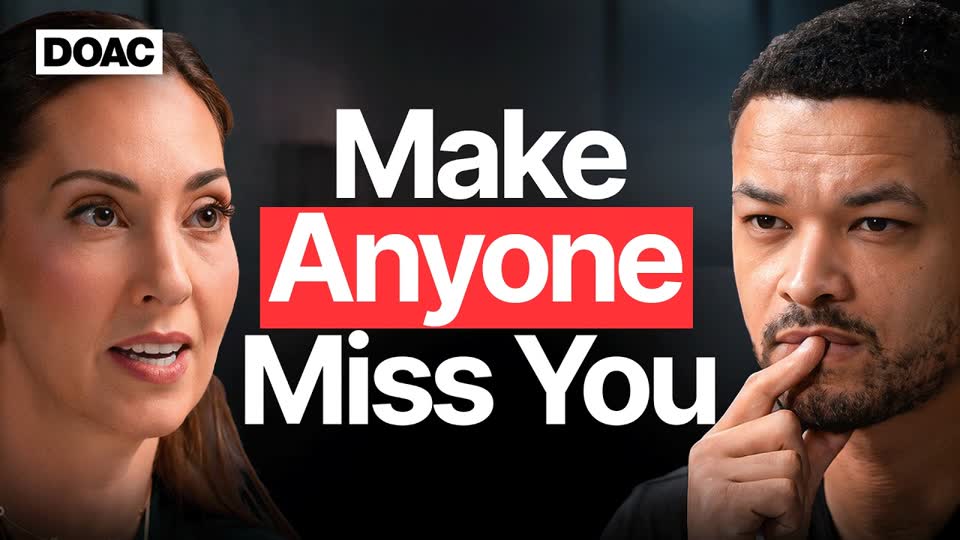
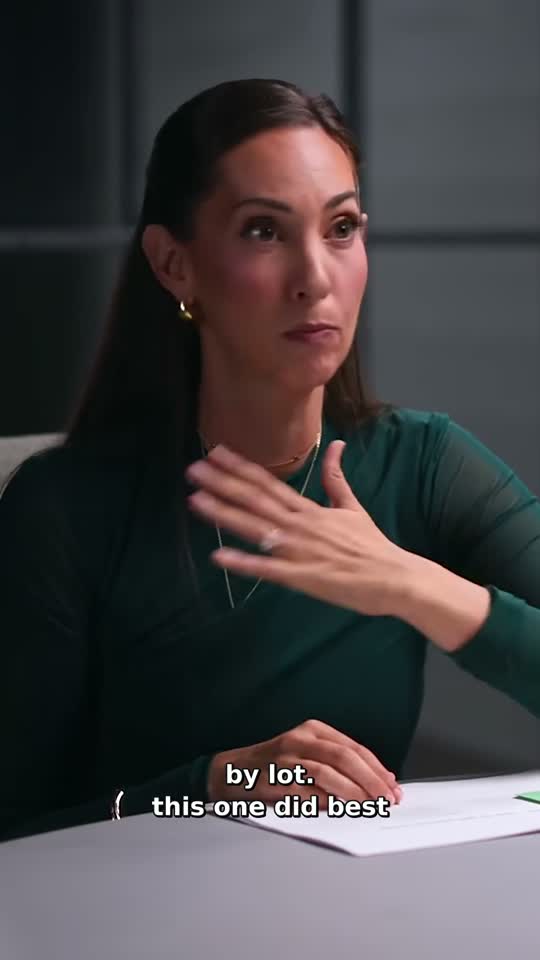
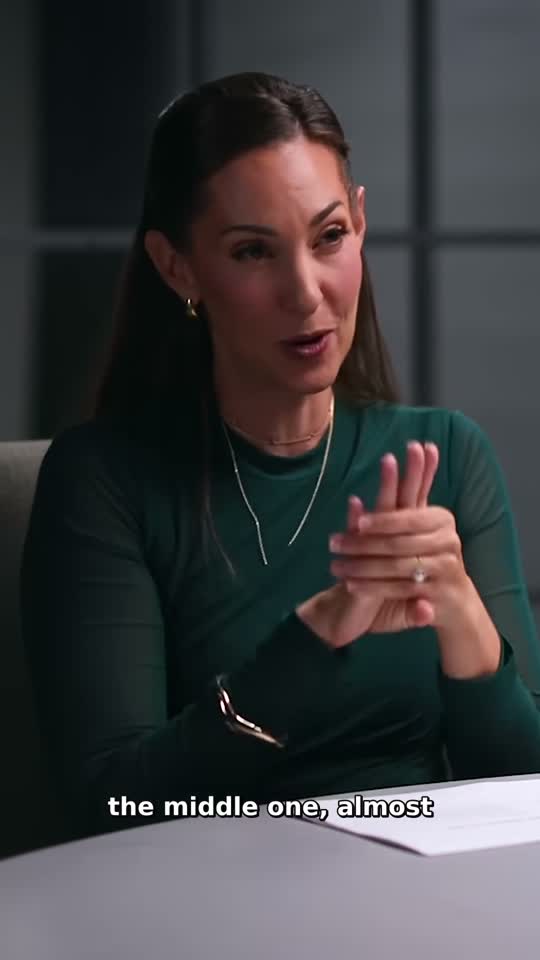
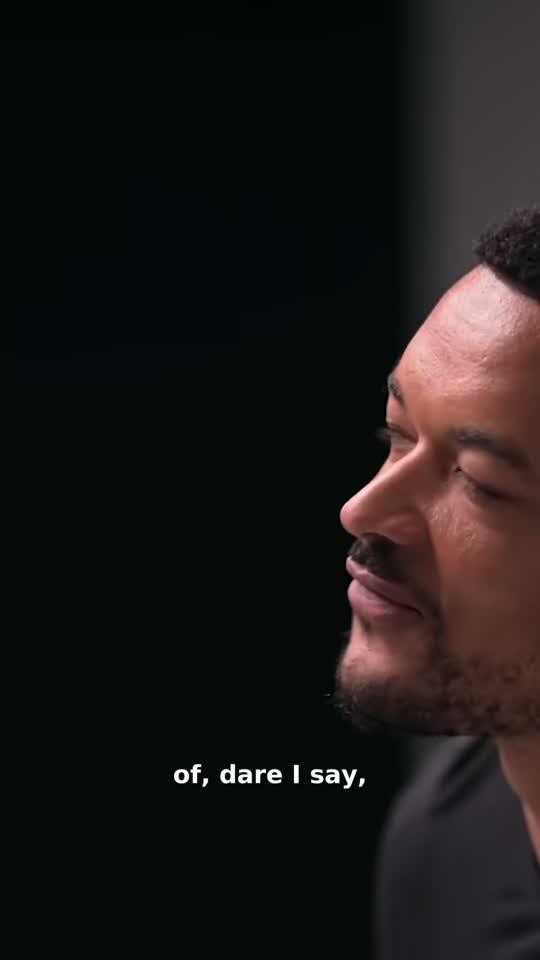
Two kinds of video
A stream is not a podcast, so it is not read like one.
Every run starts with one question: what kind of video is this? The answer changes what counts as a moment worth keeping — and the shape the clips come out in.
Talking
Podcasts, interviews, lecturesThe transcript is what gets scored. A moment wins by opening and resolving inside itself — the answer that lands, the story with a beginning and an end — and a clip that needs the ten minutes before it does not survive.
Pick the frame yourself; auto-reframe cuts to whoever is speaking.
Stream
Gaming, IRL, watch-alongs, reactionsThe sound is measured as well as read. The moments that climb above the video's own level are the ones cut — the shout after the play, the laugh nobody could hold in, the cheer — so a clip can have no talking in it at all.
Comes out 16:9 by default, because that is how a stream is watched.
The pipeline
Four passes over your footage, none of them yours.
- 00:00
Bring the source
Paste a link or drop the file in, and say what it is: talking or stream.
- 00:04
Read every word
A word-level transcript with speaker separation, and on a stream the sound is measured alongside it.
- 00:09
Judge the moments
Talking mode scores each candidate on whether it opens and resolves inside itself; stream mode keeps the ones that climb above the video's own level.
- 00:12
Cut, reframe and caption
Boundaries land on real word timings rather than mid-syllable, the frame cuts to whoever is speaking rather than drifting across the room, and captions burn in word by word in the style you picked.
Pricing
Free to use. One plan when you outgrow it.
Run as many videos as you like on the free plan — three clips a run, thirty seconds each. Pro is $19.99 a month or $5.99 a week and takes every limit off, starting with a free week.
No card, no countdown
- Unlimited runs, no card
- Three clips a run
- Clips up to 30 seconds
- The Bold Pop caption style
- Every frame: 9:16, 1:1 and 16:9
- A small watermark on each clip
Best value — about $4.60 a week
Your first week is free. Cancel before it ends and nothing is charged.
- As many clips a run as you want
- Clips up to three minutes, not thirty seconds
- All 20 caption styles
- Remove silences, transition effects and colour grading
- The full clip editor
- No watermark
Cancel any time. Cancelling drops you back to the free plan, not out of the app.
Before you upload anything.
All questions →What does the free plan give me?
Runs, as many as you like, with no card. Each one makes up to three clips of up to thirty seconds, captioned in Bold Pop, in any of the three frames. They carry a small watermark, and the editor and the three effects are Pro. Nothing expires and nothing counts down.
Talking or Stream — which do I pick?
Pick by what the video is, not by how long it is. Talking is for podcasts, interviews and lectures: the transcript is scored, and a moment wins by opening and resolving inside itself. Stream is for gaming, IRL, watch-alongs and reactions: the sound is measured, and the moments that climb above the video's own level are the ones cut. Stream also starts on the full 16:9 frame, because that is how a stream is watched.
Can a clip have no speech in it?
In stream mode, yes. A play, a jump scare or a reaction can be the whole clip, and when nobody says anything there is nothing to caption. In talking mode there is always speech, because the transcript is the thing being judged.
One video is enough to tell.
Run an episode or a stream you know well and see whether the moments it picks are the ones you would have picked. Free to use, three clips a run. Pro takes the limits off.