The pipeline
Four passes over your footage, none of them yours.
Keptbits runs the route an editor would, in the order an editor would — on a two-hour podcast and on a six-hour stream alike. It just does it while you get coffee.
- 00:00
Bring the source
Paste a link or drop the file in, and say what it is: talking or stream. A two-hour interview or a six-hour stream uploads in the background, straight from your browser — the file never sits on a server of ours in between. Then narrow the range if you only want part of it read.
- 00:04
Read every word
A word-level transcript with speaker separation, and on a stream the sound is measured alongside it. Nothing is summarised: what happens next works from what was actually said and how loud the room got, with timings accurate enough to cut on.
- 00:09
Judge the moments
Talking mode scores each candidate on whether it opens and resolves inside itself; stream mode keeps the ones that climb above the video's own level. Either way a moment that needs the ten minutes before it is worth nothing, so it does not survive — and a stream that never rose returns nothing rather than three flat minutes.
- 00:12
Cut, reframe and caption
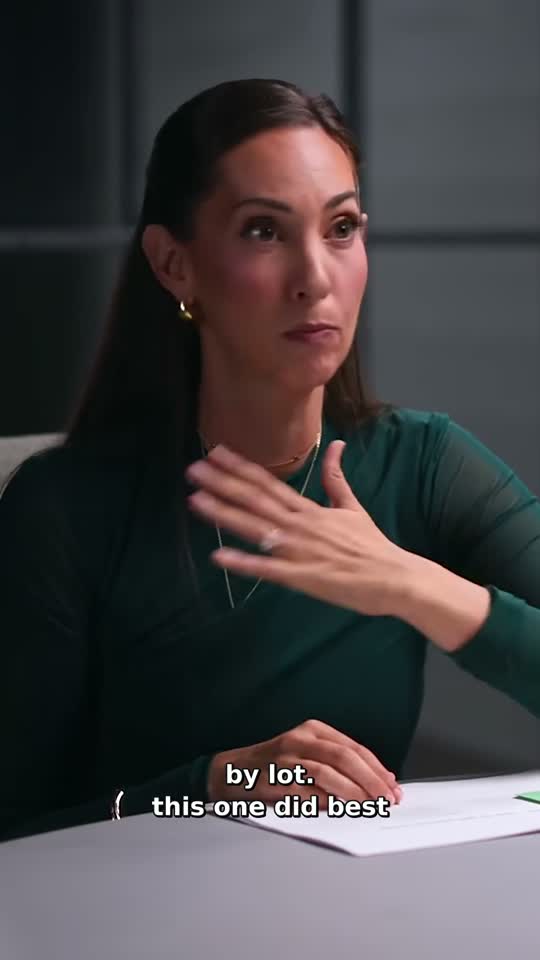
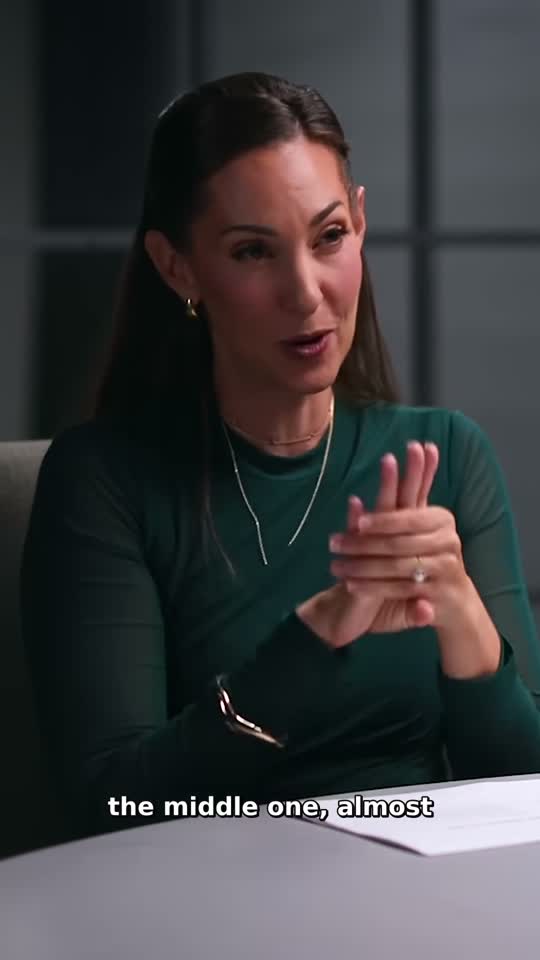
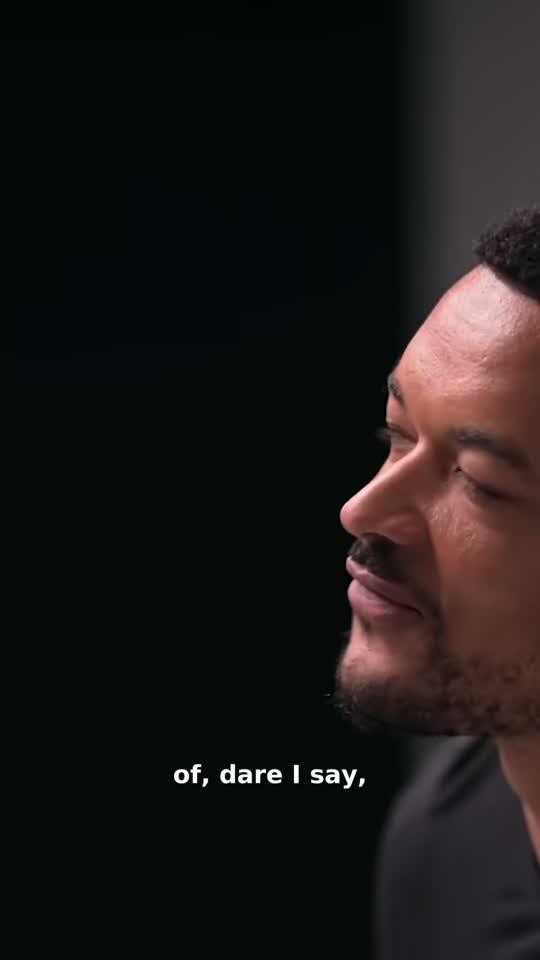
Boundaries land on real word timings rather than mid-syllable, the frame cuts to whoever is speaking rather than drifting across the room, and captions burn in word by word in the style you picked. Vertical, square or full frame — stream runs start on 16:9, and one click changes it.
The two decisions that matter
Where a clip starts and stops
In talking mode the model proposes a window; in stream mode it is drawn around where the sound rose. Either way, wherever there are words in it, the window is snapped to real word timings, preferring the start of a sentence. That snapping does more for how finished a clip feels than the model’s own precision does — a cut that lands mid-syllable reads as broken no matter how good the moment was. A wordless moment has nothing to snap to, so it is taken as it was measured.
Who is in frame
The transcript already knows who is speaking, so the only question left is where they are. The frame cuts to them and holds — it never slides across the room, because a sliding crop reads as a mistake rather than an edit. A stream skips the question by default: 16:9 keeps the whole frame, which is where the play happened.
What it costs to run
Nothing, on the free plan. Run as many videos as you like — a ten-minute upload and a four-hour stream cost the same, which is nothing — and each run gives you three clips of up to thirty seconds, captioned in Bold Pop, with a small watermark.
Pro is $19.99 a month or $5.99 a week, and the first week is free. It takes the limits off the run rather than metering it: as many clips as you ask for, up to three minutes each, all twenty caption styles, the three effects, the editor and no watermark.
Reading the video is the part that costs us money, and it costs more on a long one. We charge for it by the month anyway, because how long the source happened to be is our problem, not something you should have to do arithmetic about.